 FramyClip
Edit videos like a pro, right on your phone.
Multi-track timeline, one-tap audio sync, keyframes, automatic subtitles and export up to 4K. Everything is processed on your phone: your videos never leave it.
- Works offline
- No ads or analytics
- iOS and Android
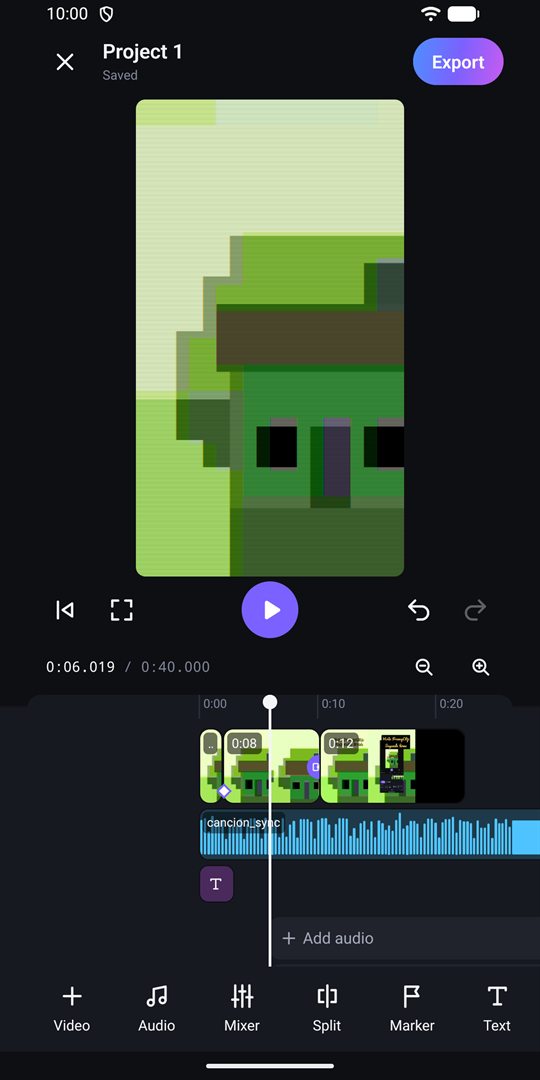
Everything you need to cut your video
Desktop-grade editing tools, designed for your finger and your phone's screen.
Precise editing
Multi-track timeline: trim, split, reorder and change speed. Fine zoom, snapping, markers and freeze frame.
Audio sync
Recorded the sound separately, with a recorder or another phone? FramyClip finds it in the video and lines it up.
Keyframes
Animate the position, scale, rotation, opacity and volume of each clip over time.
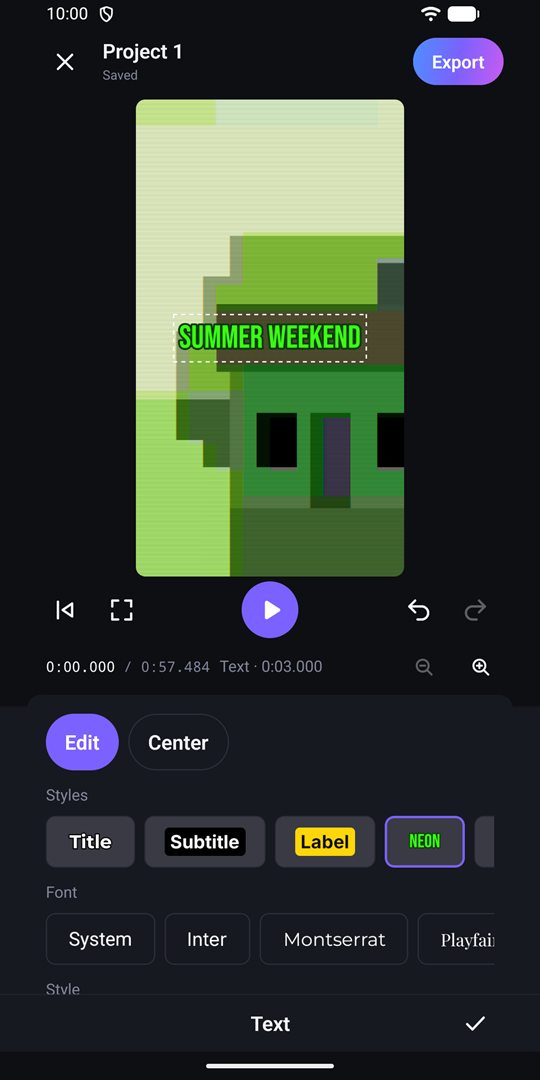
Text and subtitles
Text with fonts, colors, outlines and animations. Subtitles typed by hand, imported from SRT or created automatically on the device.
Effects and transitions
Filters, color adjustments, VHS, grain, blur, pixelate or pulse. Fade, wipe, flip, glitch, doors and more transitions.
Sound mixing
Music, sound effects and voice. Per-track mixer with volume, mute, solo and fades. Music ducks automatically when someone speaks.
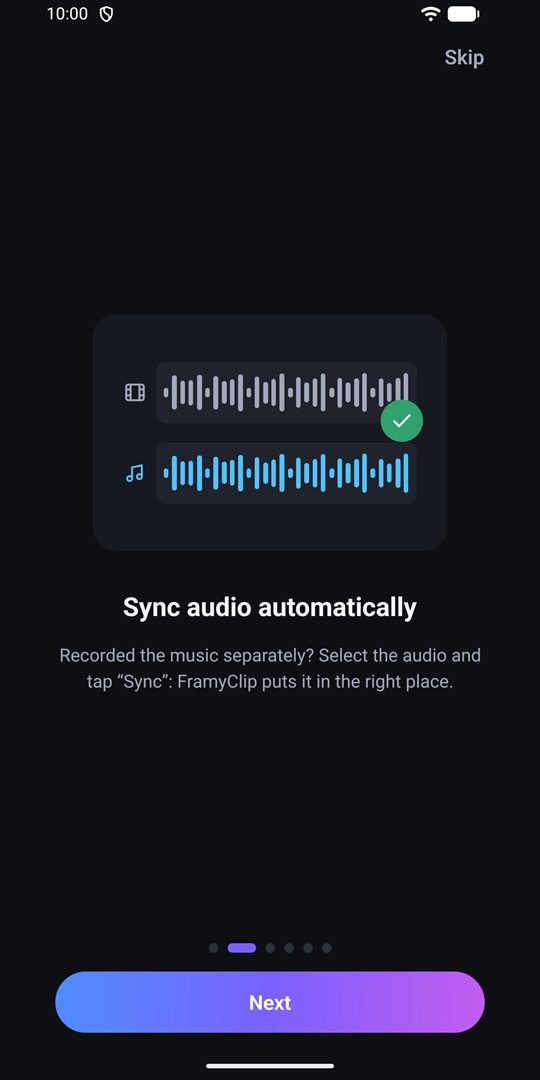
Your recorder's sound, right in place.
Shoot the picture with your phone and the sound with a mic or a recorder. Select the audio, tap “Sync” and FramyClip lines it up with the video.
- Great for live music, interviews and vlogs.
- Extract the audio from a video or add your own tracks.
- Analyzed on your phone; nothing is uploaded.
Export your way, no watermark.
Choose resolution, frame rate, codec and quality. Save to your gallery or share it right away. No logo on top of your video.
Vertical, square, landscape and cinema formats. 4K and HEVC depend on your phone's encoder.
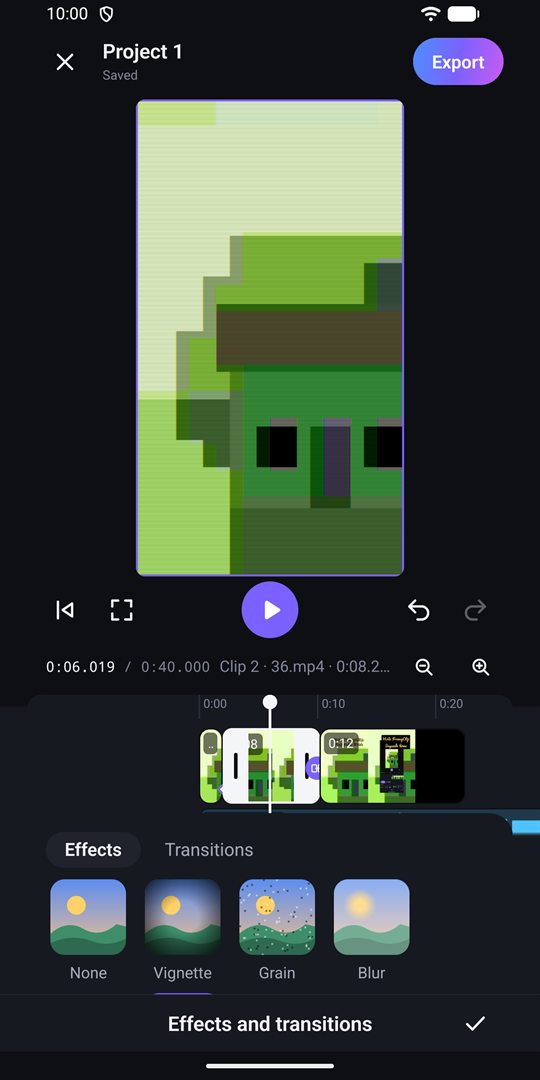
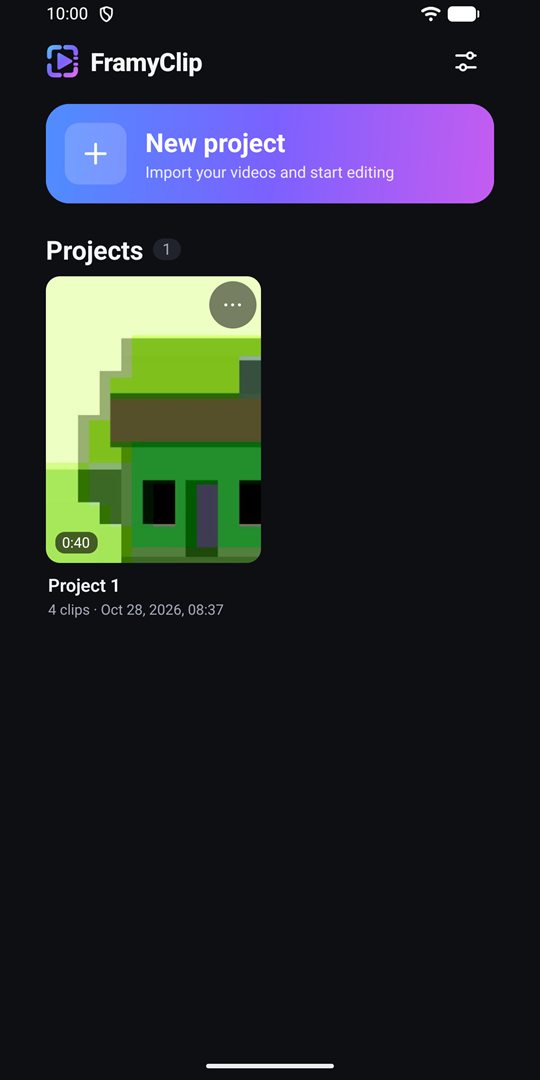
Take a look
Dark, clean and made for one-handed editing.
Truly private
No account, no cloud, no ads and no analytics. FramyClip works offline and your videos never leave your phone. Available in English, Spanish, Basque, Catalan, Galician and French.
Frequently asked questions
Can't find what you need? See the support page or write to us.
How much does it cost?
Nothing. FramyClip is free, with no in-app purchases, no subscriptions and no watermark.
Where are my projects stored?
On your phone. There is no account and no cloud: if you uninstall the app, your projects are deleted. Videos you exported to your gallery are kept.
How do I sync the sound from a recorder?
Add the video and the separately recorded audio, tap the audio in the timeline and press “Sync”. It works best when both recorded the same thing at the same time.
Why can't I export in 4K or HEVC?
It depends on your phone's encoder. The export panel disables the options your device cannot encode.
Do automatic subtitles need the Internet?
No. They use the system's on-device speech recognition. If your language is not downloaded on the system, they may not be available.
Do you collect any data?
No. All the details are in the privacy policy.