 Console Streaming
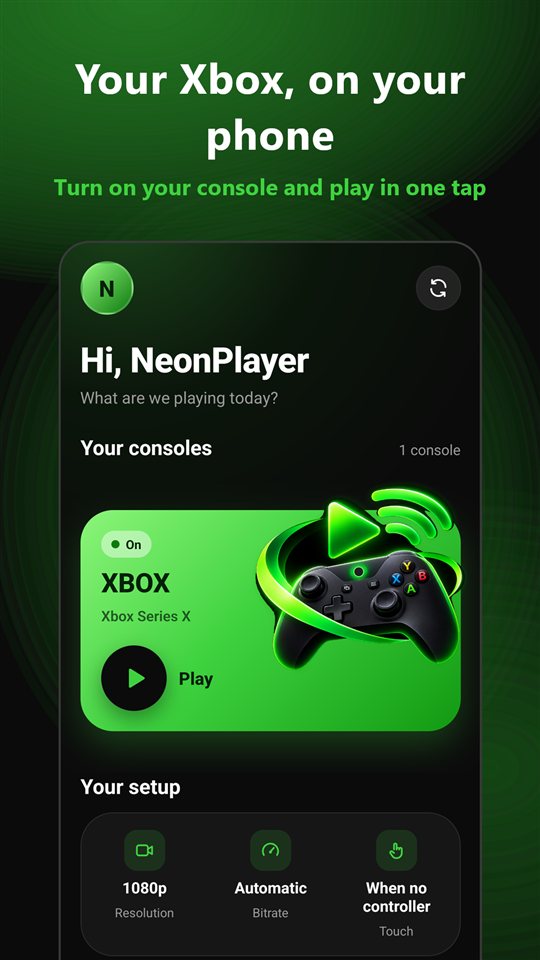
Your Xbox, on your phone.
Turn on your console and play from your phone with your Bluetooth controller or touch controls. At home or away, with the Microsoft account you already use.
Everything you need to play
Built for phones from day one.
Remote play
See and control your console on your phone screen, with picture and sound, up to 1080p.
Turn your console on
If it's in sleep mode, wake it up from the app and start playing.
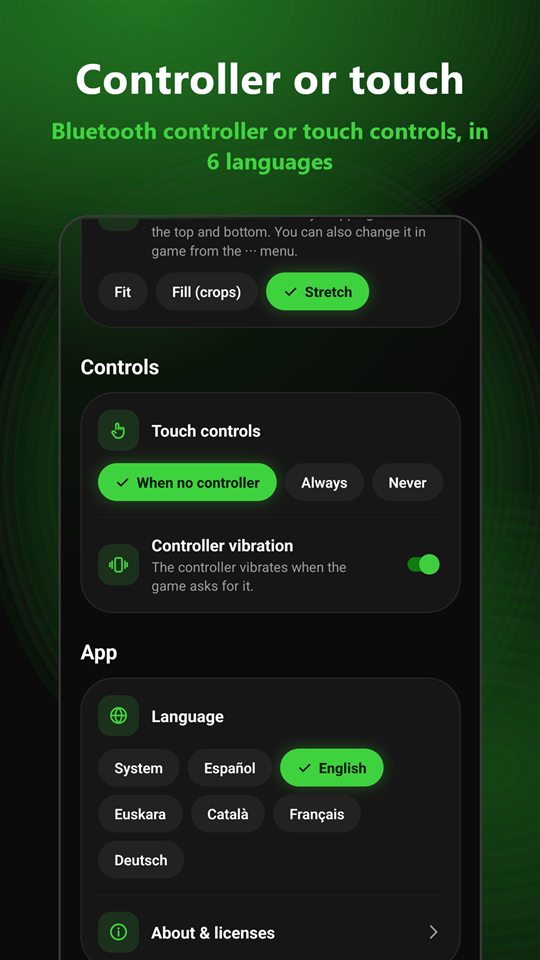
Controller or touch
Connect your Bluetooth controller or use the on-screen controls, which appear automatically when no controller is connected.
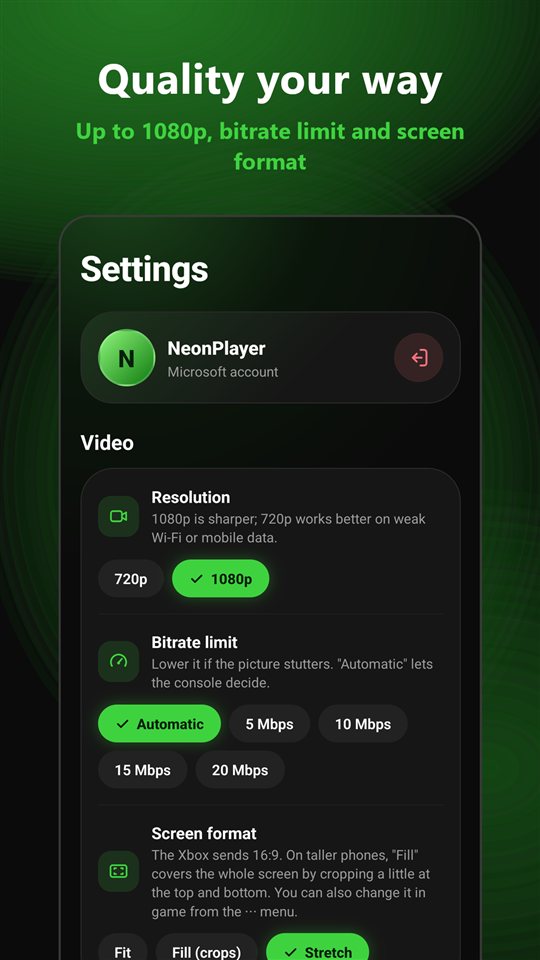
Quality your way
Resolution, a bitrate limit for slow networks and screen format for tall phones.
In your language
English, Spanish, Basque, Catalan, French and German.
Private by design
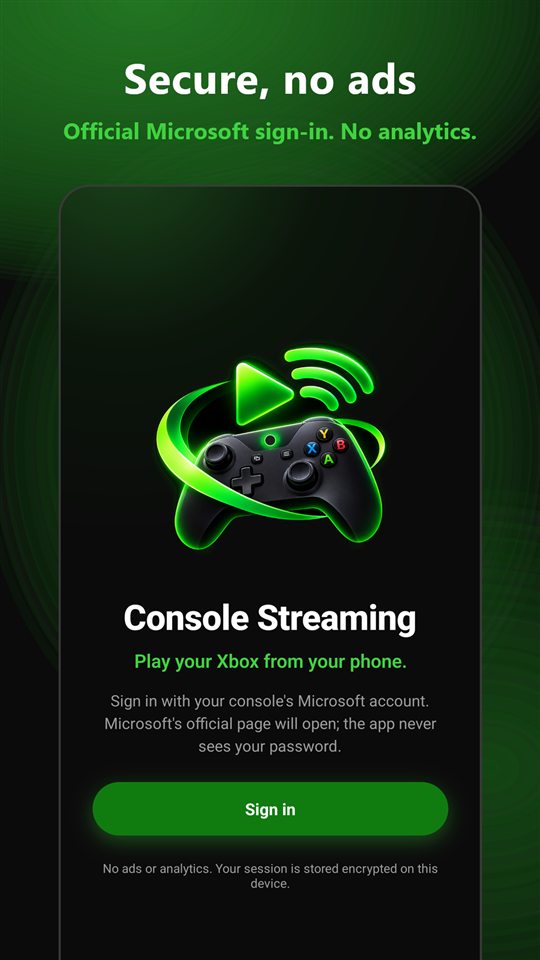
No ads, no analytics and no servers of our own. Your session is stored encrypted on your device.
See it in action
Dark, fast and with that familiar green.
What you need
- An Xbox Series X|S or Xbox One with “Remote features” enabled.
- The Microsoft account you use on the console.
- A good connection: 5 GHz Wi‑Fi or fast mobile data.
Frequently asked questions
How do I enable remote features on my Xbox?
On the console, go to Settings → Devices & connections → Remote features and check “Enable remote features”. Use sleep mode so you can turn the console on from the app.
Does the app see my password?
No. Sign-in happens on Microsoft's official page. The app only receives the session permissions Microsoft grants it, and stores them encrypted on your device.
Do you collect any data?
No. There are no ads, no analytics and no servers of our own. The app only talks to Microsoft and Xbox services. See the privacy policy for details.
The picture stutters or lags. What can I do?
In Settings, lower the resolution to 720p or set a bitrate limit. Connecting your phone to 5 GHz Wi‑Fi and your console by cable helps a lot.
How much does it cost?
Nothing. The app is free and has no in-app purchases.
How can I contact you?
Email sergiostark7@gmail.com.